
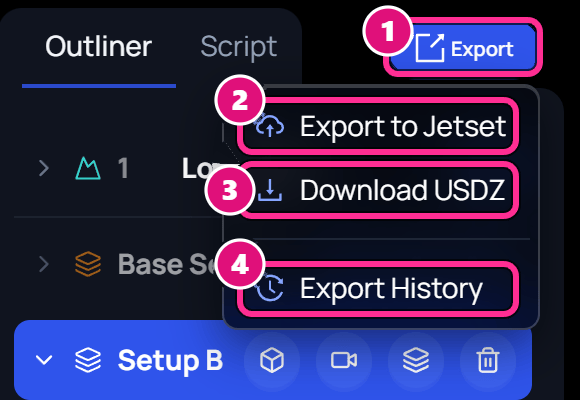
- Export
- Export to Jetset
- Download USDZ
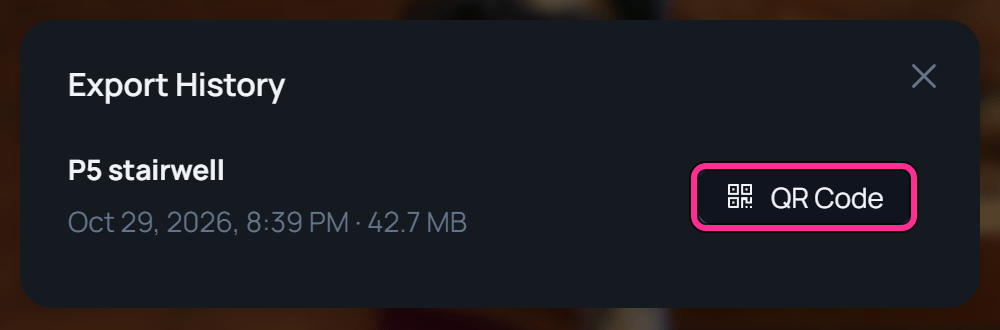
- Export History
Spark iOS app or Jetset
Use the Spark iOS app to film on an iPhone inside the 3D scene. See Composite and record. Use Jetset when a cinema camera is on set. Jetset tracks it, and Autoshot brings the tracking data into Blender, Unreal, After Effects or Nuke.Export to Jetset
Export the scene
In the scene editor, click Export, then Export to Jetset. Spark packs the scene and uploads it. A test scene took about 15 seconds.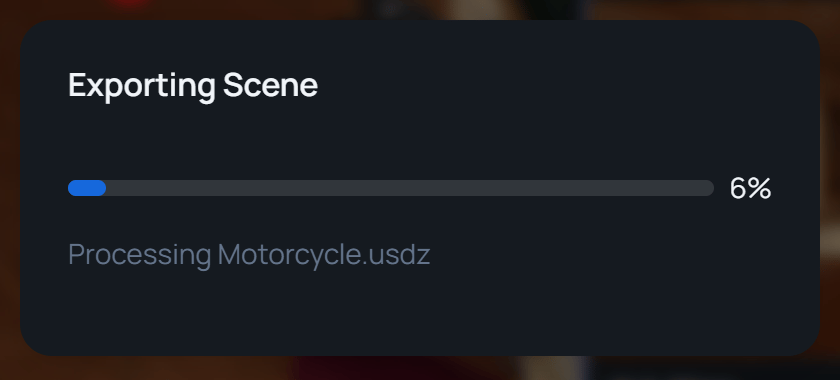
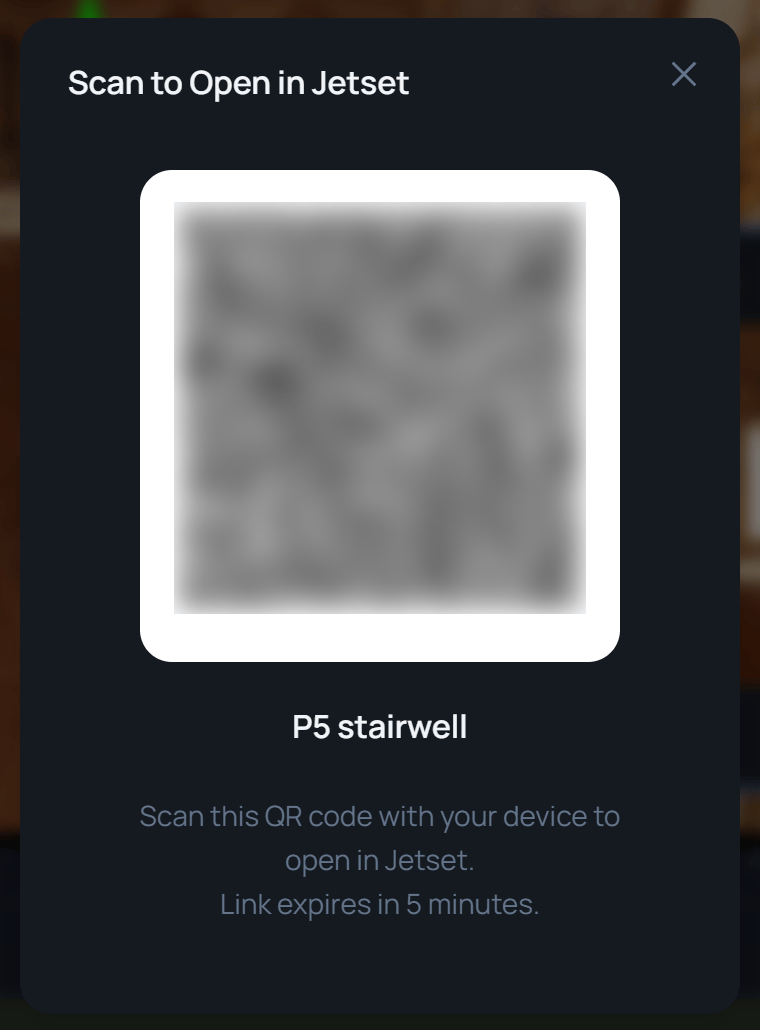
Download a 3D scene as USDZ
Click Export, then Download USDZ. Spark runs the same export and saves the scene as one file, such asP5 stairwell.usdz. That test scene came to 44.7 MB.
Related
Cameras
Add a camera and set its lens.
Browse and play takes
See every take in the Gallery.