

Feature · Web · Released 2026-09-30 Anyone with a shared list link can download one take, a selection or the whole list.

Downloading from a shared list

A person who opens a shared list link can download from it without signing in. A shared list page with two take cards and the buttons Select Takes and Download all.
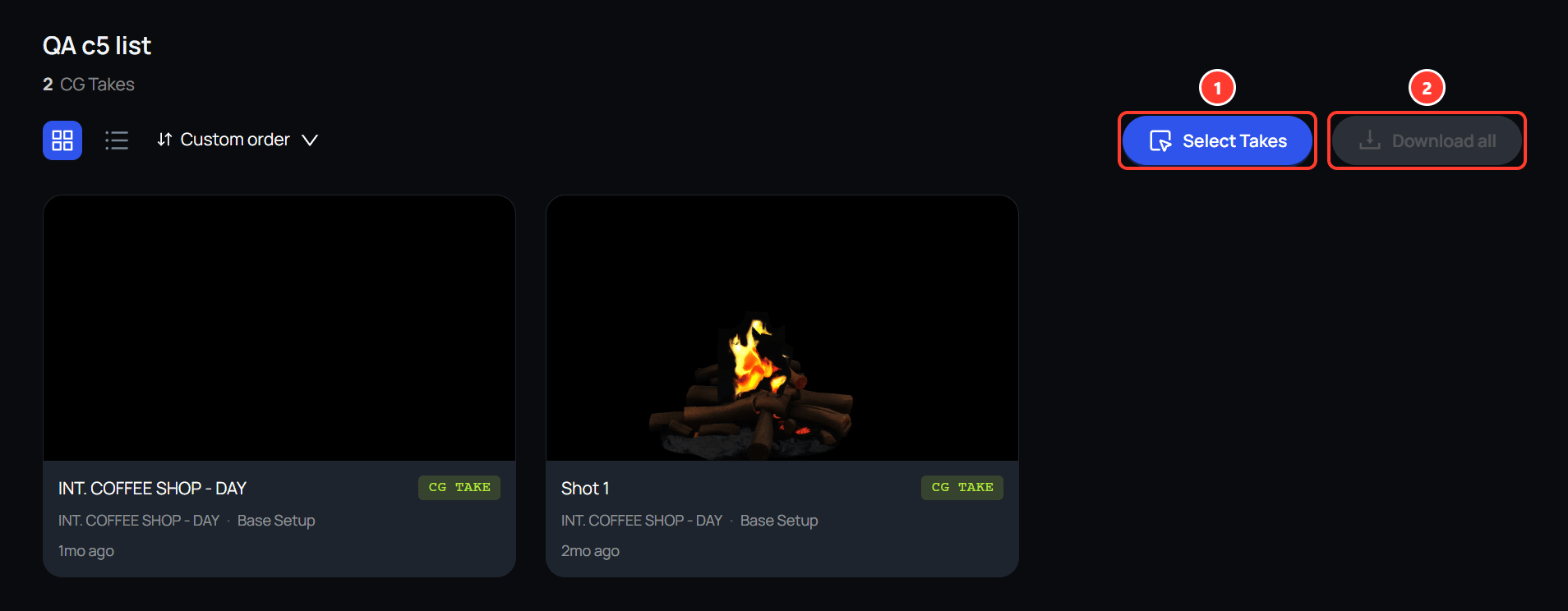
  1. Select Takes shows checkboxes, so the viewer can pick cards and download only those.
  2. Download all saves everything in the list as one zip file.
The zip file uses the same folders as a Gallery download. For a viewer, a take’s folder holds only the composite, the background, and the camera layer.

Current guide

This page describes the feature as it was released. For how it works today, see downloading from a shared list.